
Your Google Business Profile exists. Customers don't come.
64% of customers use Google Business Profiles to find contact information. If yours isn't optimized, they find your competitors instead.
Here are 10 reasons your profile underperforms: and exactly how to fix each one.
1. Incomplete Profile Information
The Problem
Missing sections kill visibility. No hours. No website. No phone number.
Google's algorithm deprioritizes incomplete profiles. Customers can't contact you if they don't have your information.
The Fix
- Open your Google Business Profile dashboard
- Complete every single field
- Add: name, address, phone, website, hours
- Include holiday hours and special schedules
Leave nothing blank.
2. Inconsistent Contact Information
The Problem
Your website says "123 Main St."
Your profile says "123 Main Street."
Google sees this as a credibility issue. Your ranking drops.
The Fix
- Audit every platform where your business appears
- Match information exactly: character for character
- Check: website, Facebook, Yelp, industry directories
- Update any discrepancies immediately

3. Wrong Business Category
The Problem
Wrong category = wrong searches.
A web design company categorized as "IT Services" misses customers searching for "web design near me."
The Fix
- Navigate to your profile settings
- Review your primary category
- Select the most specific, accurate option
- Add secondary categories if applicable
Categories determine which searches display your business.
4. No Photos or Videos
The Problem
Listings with images appear twice as reputable.
Bare profiles look abandoned. Customers scroll past.
The Fix
Upload:
- Exterior shots (so customers recognize your location)
- Interior photos
- Product images
- Team photos
- Before/after examples
- Equipment and vehicles
Post new photos monthly. Active profiles rank higher.
5. Inactive Profile
The Problem
No updates in months signals abandonment.
Google's algorithm assumes inactive profiles represent inactive businesses. Rankings fall.
The Fix
Post bi-weekly to monthly:
- Seasonal tips
- Event announcements
- Customer spotlights
- Business milestones
- Industry news relevant to Venice customers
Consistency matters more than perfection.
6. Missing Product and Service Details
The Problem
Customers can't buy what they can't find.
Blank product sections mean potential customers don't realize you offer what they need.
The Fix
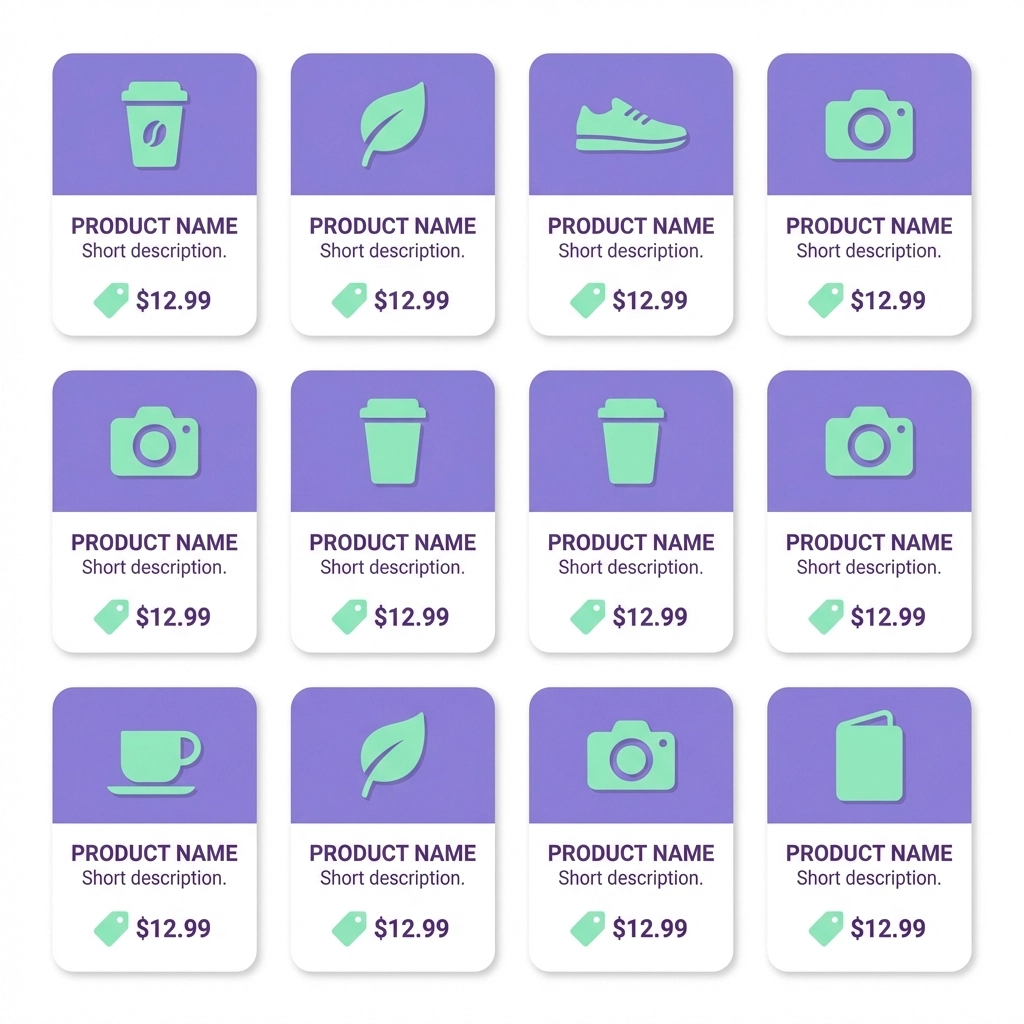
- List every product and service
- Include name, brief description, price
- Update when offerings change
- Add new items immediately
Make it easy for customers to understand exactly what you provide.
7. Weak Business Description
The Problem
The "from the business" section wastes space with generic language.
"We're a local business serving the Venice area" tells customers nothing.
The Fix
First 250 characters matter most. Front-load key information.
Include:
- What you do
- Who you serve
- What makes you different
- Keywords customers use to find businesses like yours
Avoid repeating information already in other profile sections.
8. Ignored Reviews
The Problem
Unanswered reviews signal disengagement.
Negative reviews without responses look worse than the review itself.
The Fix
- Respond to every review within 24-48 hours
- Thank positive reviewers specifically
- Address negative feedback professionally
- Offer solutions, not excuses
- Encourage satisfied customers to leave reviews
Reviews build trust. Responses build relationships.
For more on leveraging reviews, see our guide on turning Google reviews into your best sales tool.
9. Empty Q&A Section
The Problem
The Q&A section sits unused.
Customers with questions go unanswered. They leave. They find competitors who provide answers.
The Fix
Think like a customer. What questions do you hear most?
Populate the section yourself:
- "Do you offer free consultations?"
- "What areas do you serve?"
- "How long does a typical project take?"
- "Do you work with small businesses?"
Answer before customers ask.

10. Missing Attributes
The Problem
Customers filter searches by specific features.
No attributes means your business disappears from filtered results.
The Fix
Browse your profile dashboard. Check every relevant attribute:
- Wheelchair accessible
- Women-owned
- Veteran-owned
- LGBTQ+ friendly
- Payment methods accepted
- Service options (online appointments, on-site services)
Attributes help the right customers find you.
Quick Audit Checklist
Run through this list today:
| Element | Status |
|---|---|
| All contact info complete | ☐ |
| Info matches across all platforms | ☐ |
| Correct primary category | ☐ |
| 10+ quality photos uploaded | ☐ |
| Posted within last 30 days | ☐ |
| Products/services listed with prices | ☐ |
| Compelling business description | ☐ |
| All reviews responded to | ☐ |
| Q&A section populated | ☐ |
| Relevant attributes selected | ☐ |
The Venice Factor
Venice businesses compete in a unique market.
Seasonal residents. Tourists. Year-round locals. Each searches differently.
Your Google Business Profile serves all three. Optimization means visibility to every customer segment.
Local searches drive local revenue. Local SEO mistakes cost Venice businesses thousands in missed opportunities.
What Happens After Optimization
Properly optimized profiles see:
- Higher search rankings
- Increased profile views
- More direction requests
- More phone calls
- More website clicks
The algorithm rewards complete, active, engaging profiles. Customers trust them.
Next Steps
Start with the audit checklist. Fix the obvious gaps first.
Schedule 15 minutes weekly to:
- Post an update
- Respond to new reviews
- Add fresh photos
- Answer new questions
Consistency compounds. Small improvements accumulate into significant visibility gains.
Your Google Business Profile works 24/7. Make sure it works for you.
Need help optimizing your Venice business's online presence? Venice Florida Web Design specializes in local visibility strategies that bring customers through your door.